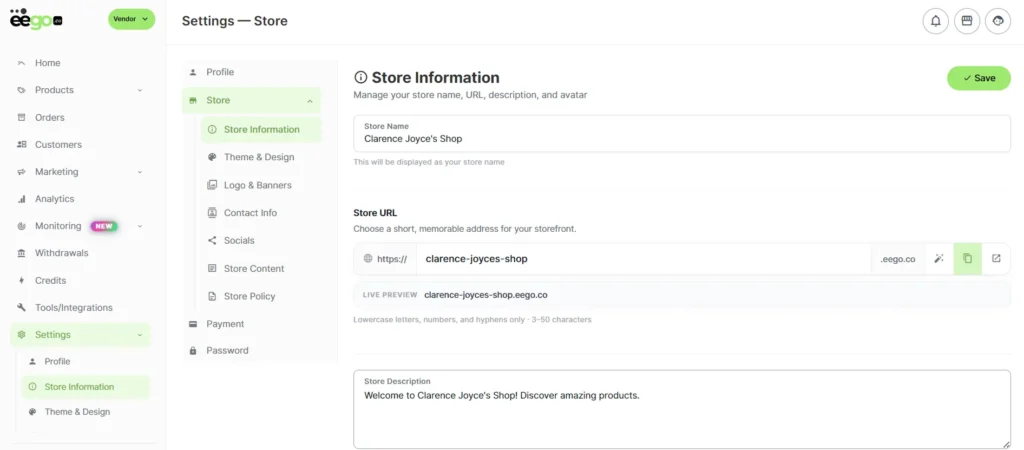
Creating an account is the very first step to becoming a vendor on Eego. If you’re looking to maximize your reach and digital impact, we have outlined a walkthrough that will guide you through the process of selling on eego.
Step 1: Head over to our website or type www.eego.co in your browser
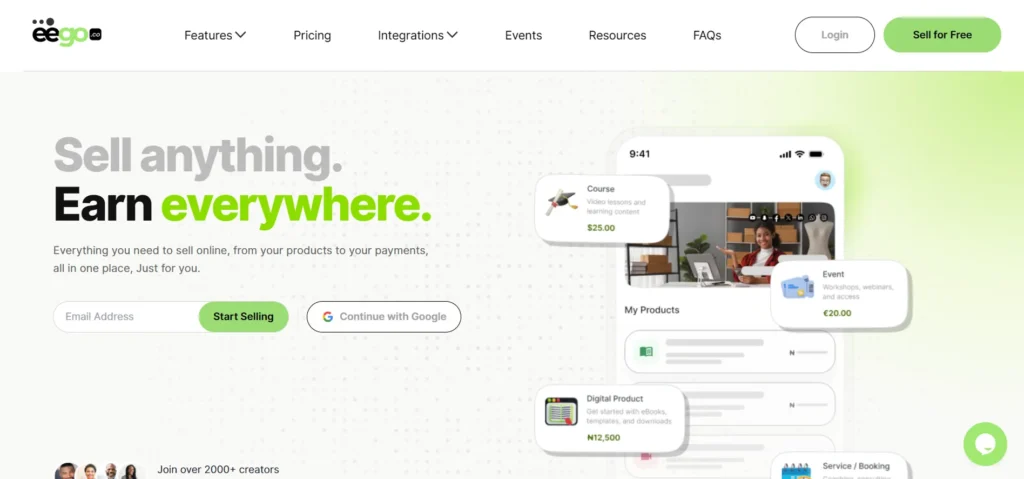
Step 2: Click on the Login button to initiate the Sign Up process
Step 3: From the login page, click on the Sign Up link to create an account
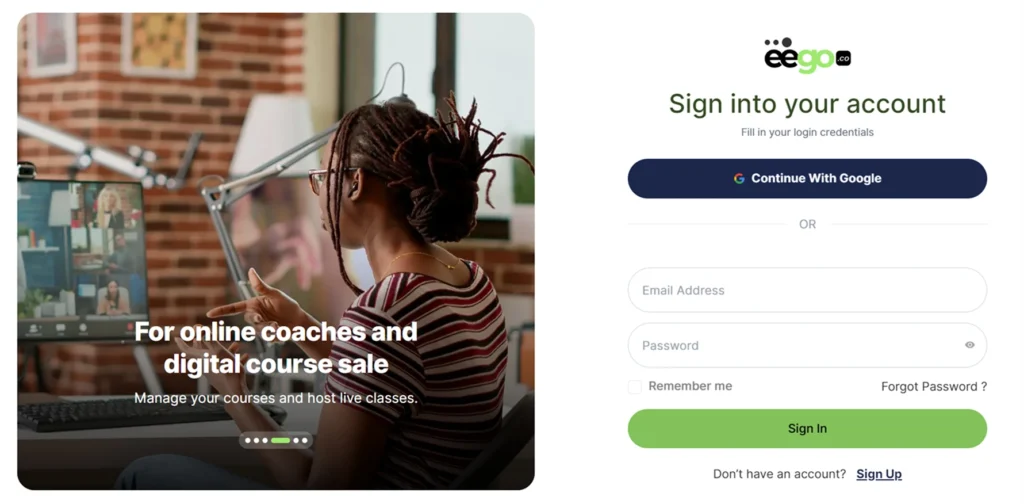
Step 4: Fill in the email and password field provided for new sellers
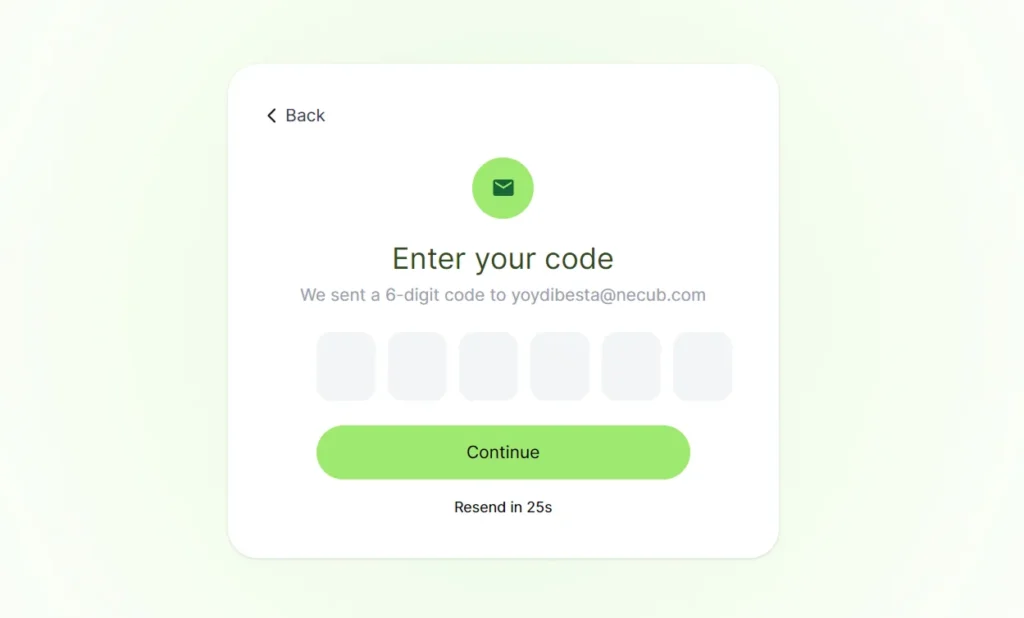
Step 5: Confirm your email with the authentication code sent to you
Step 6: Fill in personal information like name, phone number, currency type, and referral code (if any).
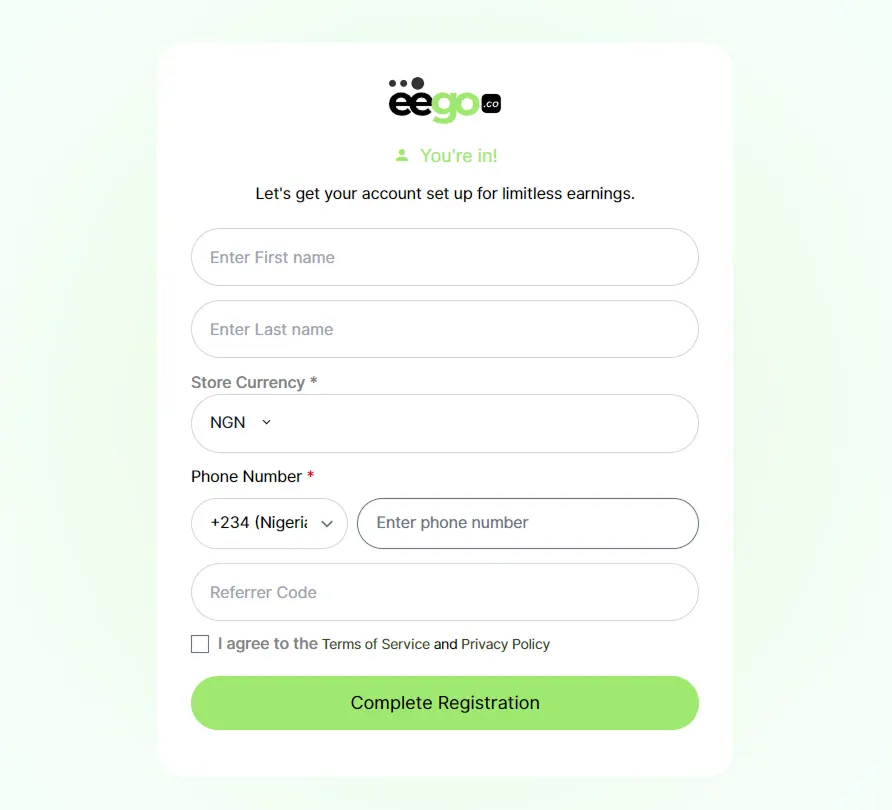
Step 7: Click on the Complete Registration button to finish up the process.
Step 8: Congratulations, you can now start to sell on eego.co. You will automatically be redirected to the store setting tab. Here, you can make changes to your storefront information.