
Sellers can start distributing their store link online by following the steps below
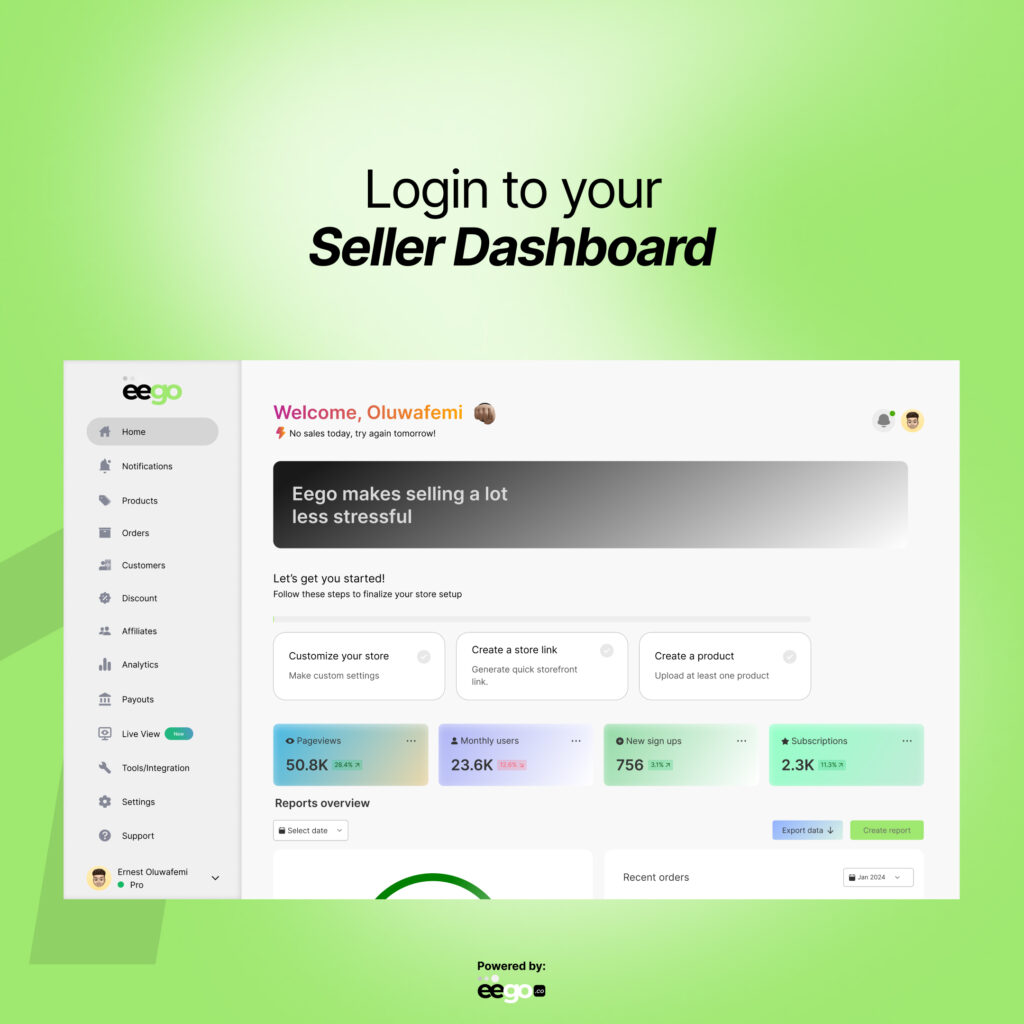
Sign in to your seller account from the website. This interface grants you access to tons of features, including editing your store information.
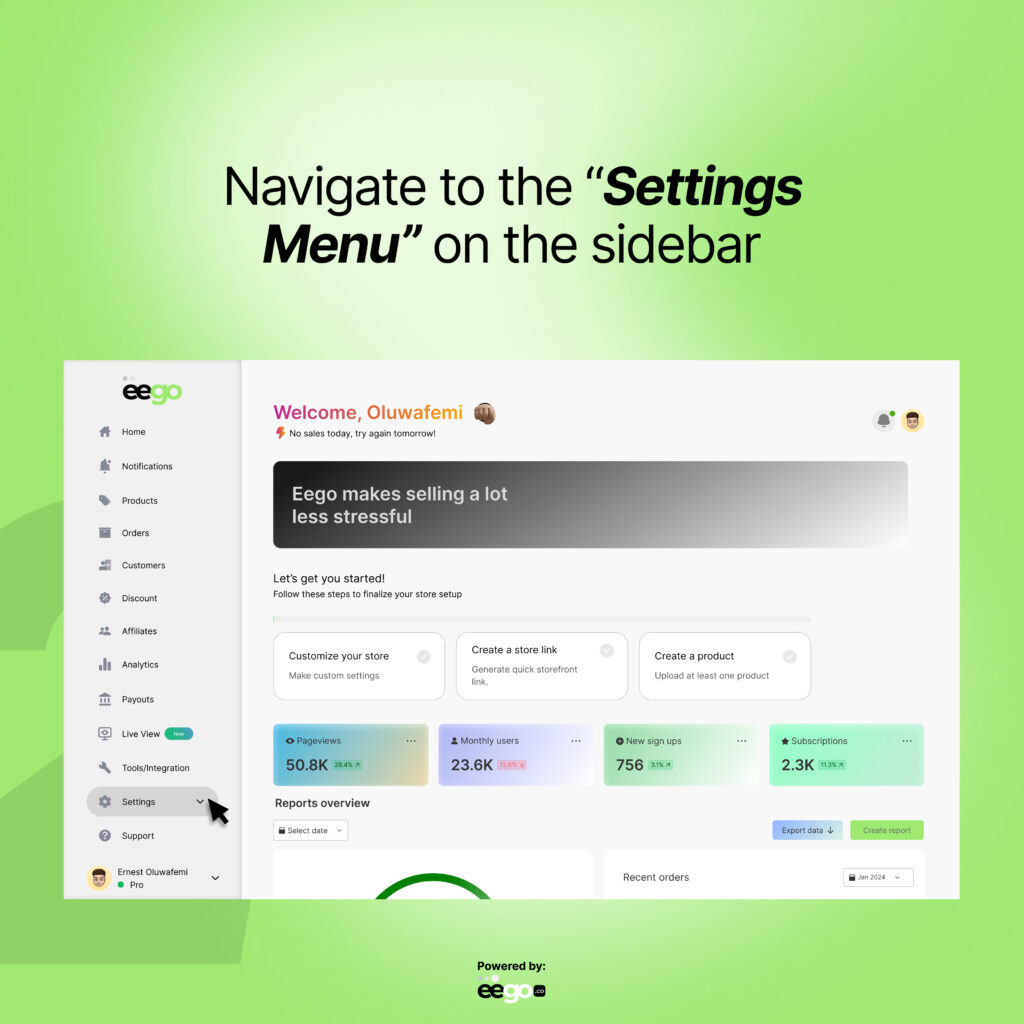
Scroll down the sidebar until you find the “Settings” menu
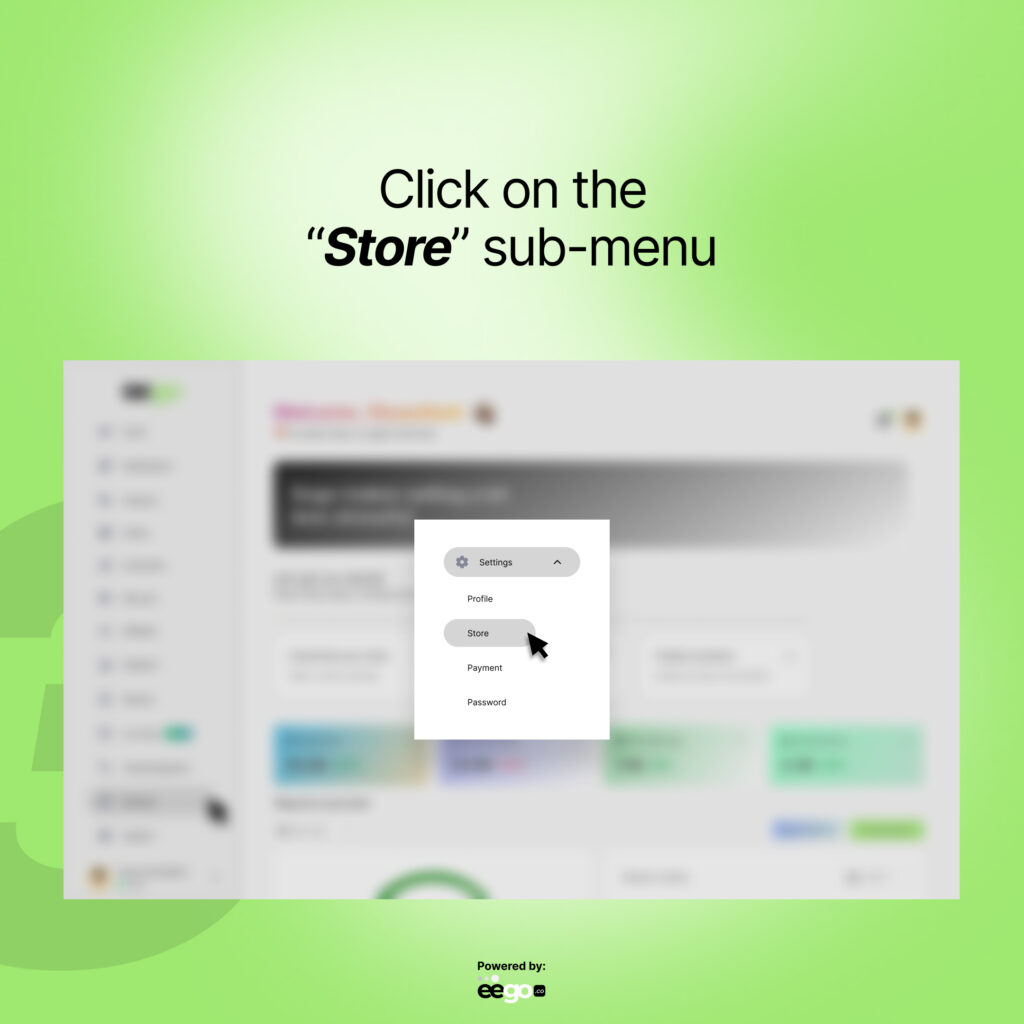
Click on the “Store” sub-menu right under the settings menu to open the store information page.
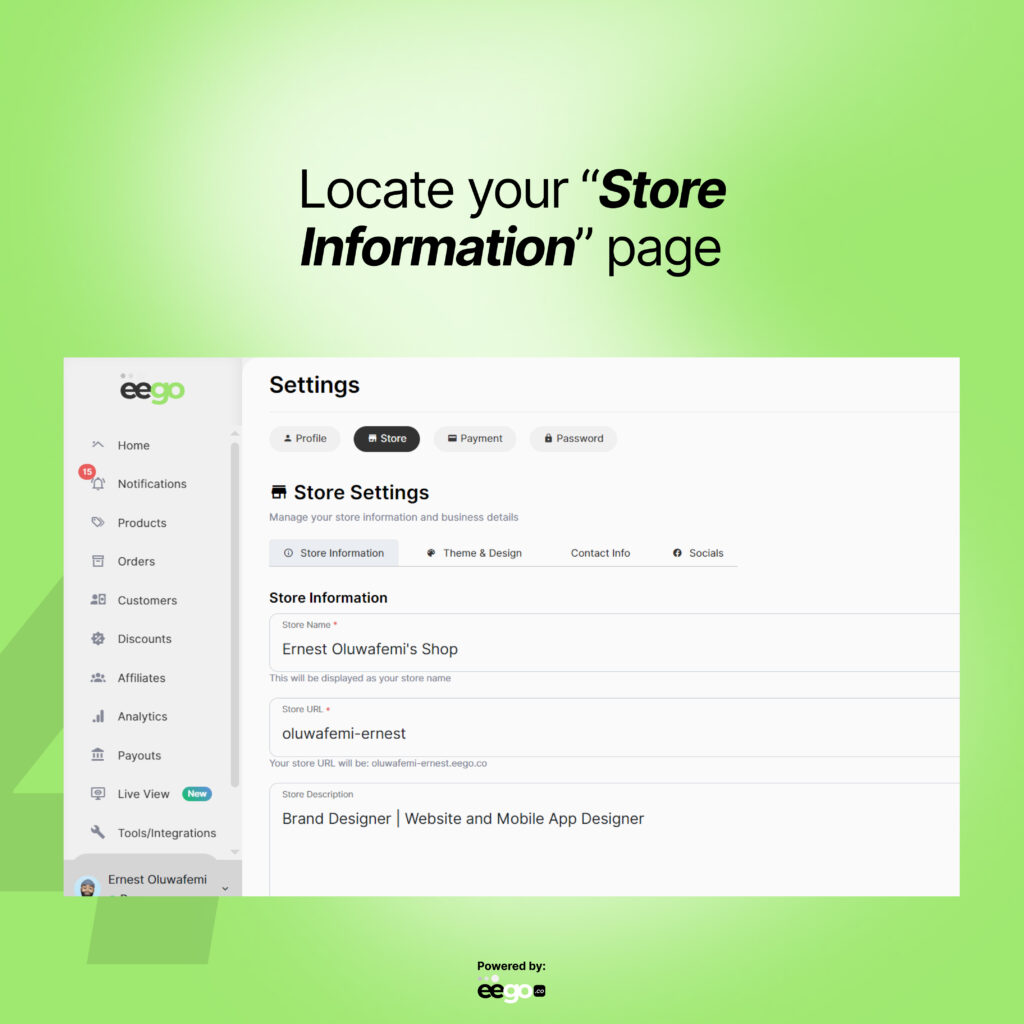
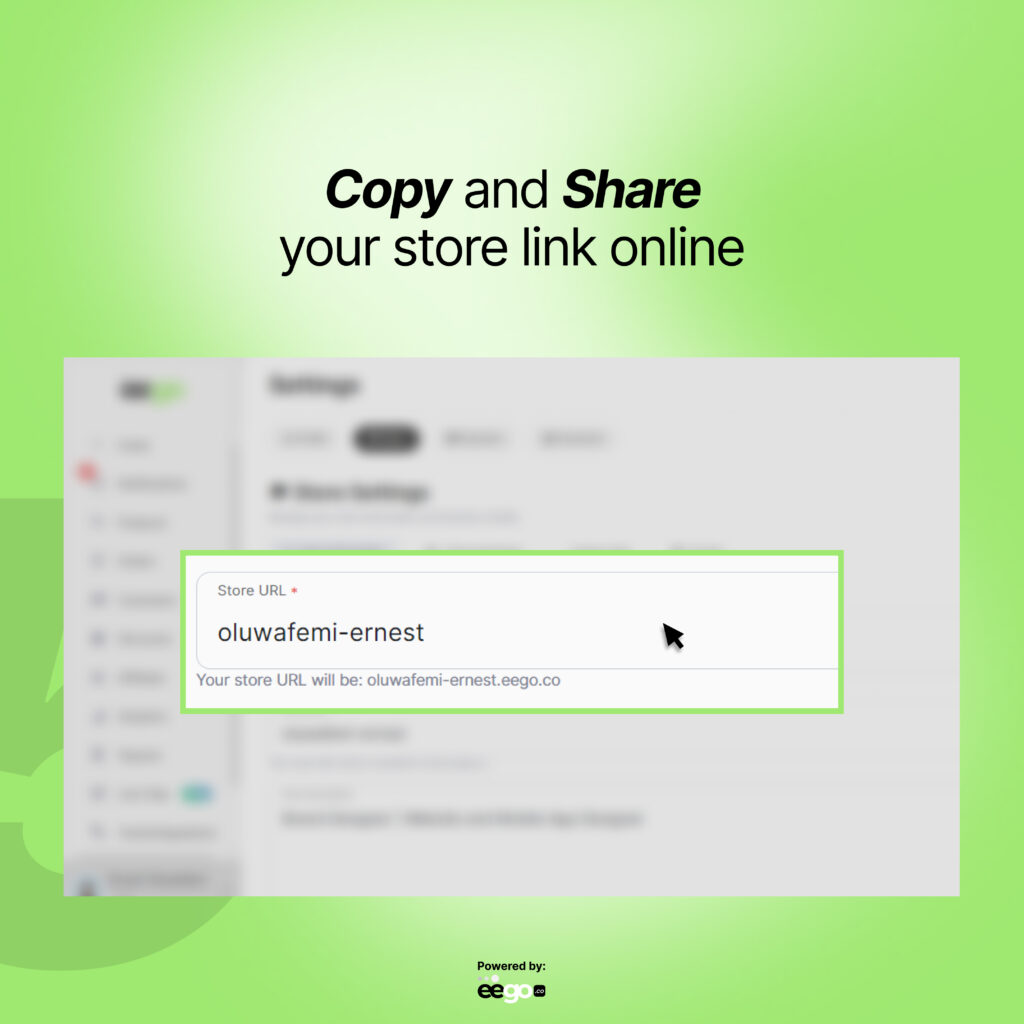
You can now edit and copy your store link to your customers, across all social media platforms.
© Alrights reserved by Eego.co