
To reset the password to your eego.co account, all you need to do is follow the steps below:
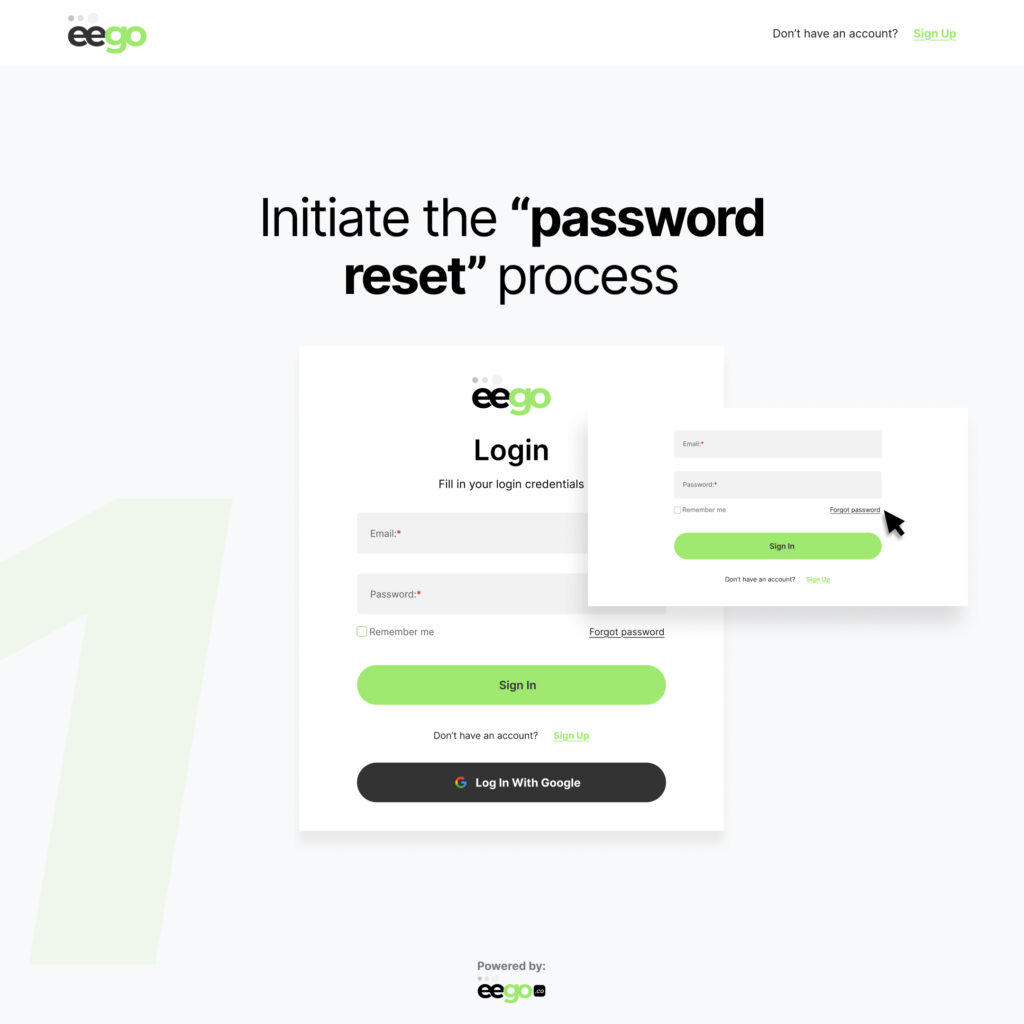
Step 1: From the “Sign in” page, click on “Forgot Password“
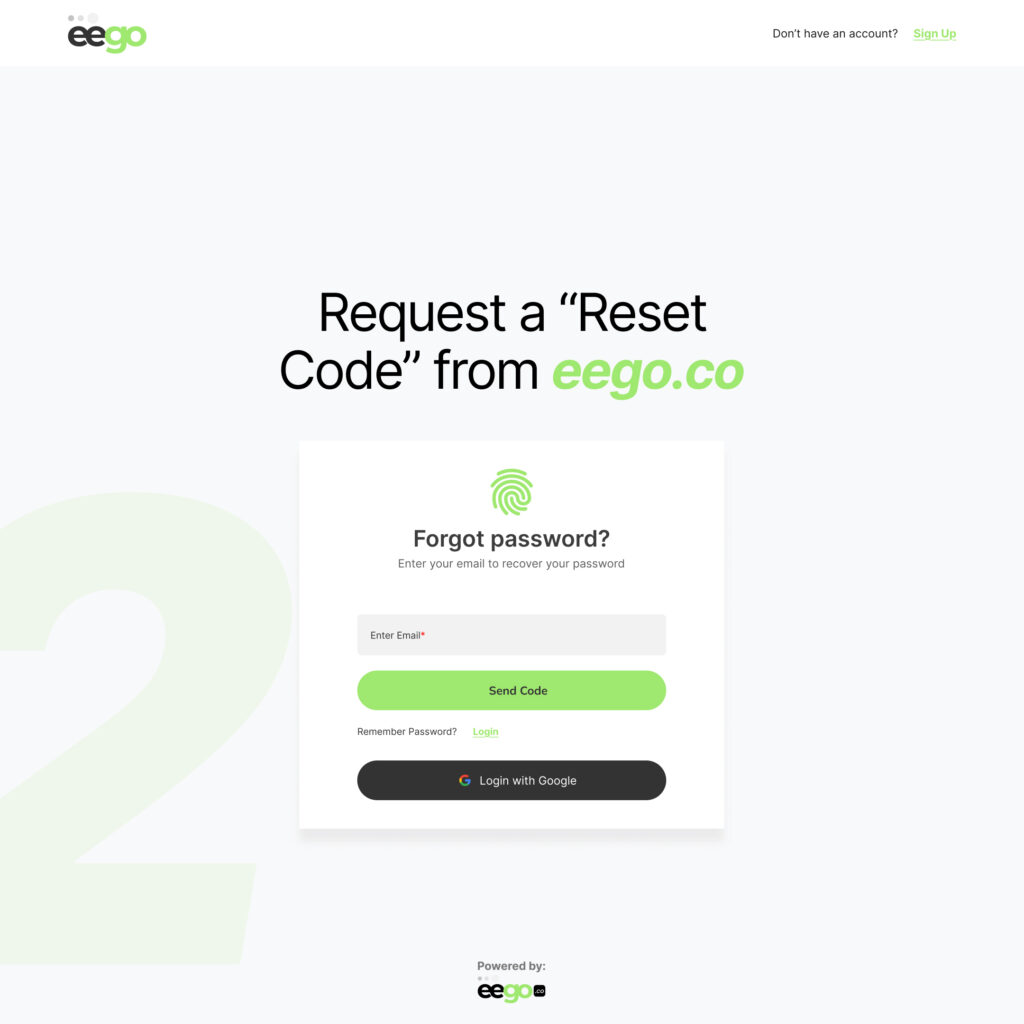
Step 2: Enter your account email to request a password reset code
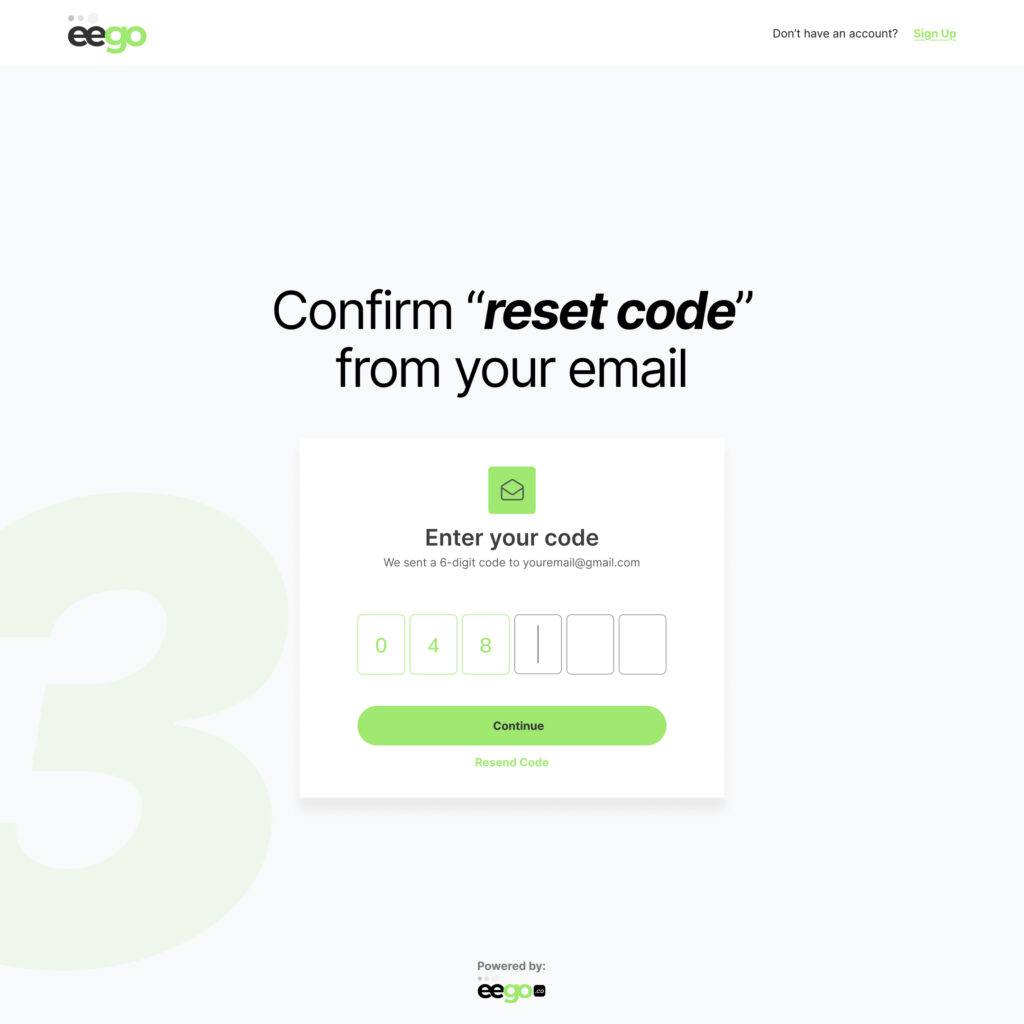
Step 3: Confirm the reset code on your browser
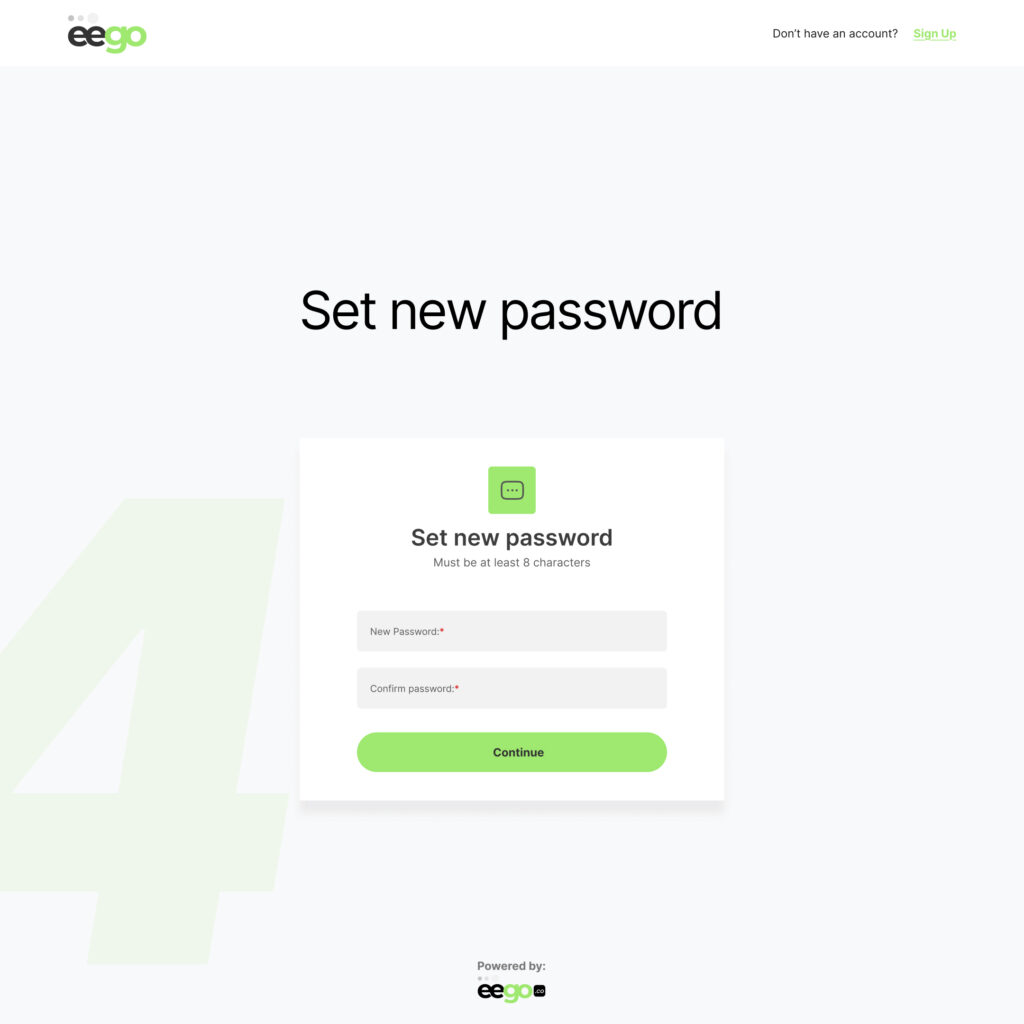
Step 4: Set a new and secure password for your storefront
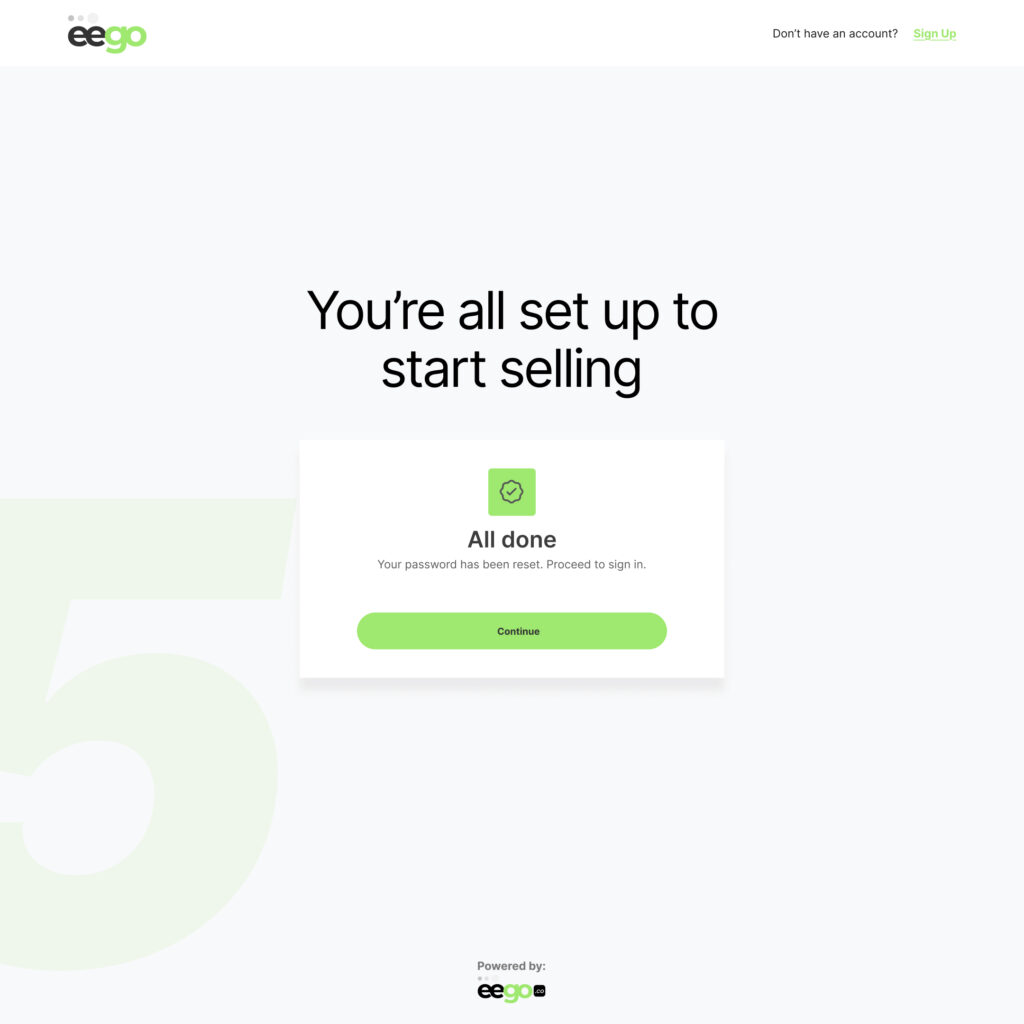
Step 5: Sign in with your new credentials and continue selling.
© Alrights reserved by Eego.co